| After Effects Version | Resolution | Add-Ons | Intros |
|---|---|---|---|
| CC, CS6 + | Resizable | No Plugin | 15 |
Description
Looking for the best After Effect logo template to make your videos look professional in 2026? You’re in the right place. This collection brings together 15 professionally crafted logo intro templates for Adobe After Effects, all free to download. They work for experienced editors and for complete beginners.
The templates do more than animate your logo. Each one is a small lesson in motion graphics. Open the project, study how it’s built, change the settings and learn real After Effects and editing skills as you go.
What Is an After Effect Logo Template?
An After Effect logo template is a ready-made project file (.aep) with the animation already built. You drop in your logo, change the text and colors, and render. You don’t have to build keyframes, easing and timing from scratch, so a polished logo reveal takes minutes instead of hours.
If you’ve used Placeit-style logo makers, the idea is the same. The difference is that you get the full project inside After Effects, so you can edit every layer and learn how the animation works.
Why Use These Free After Effect Logo Templates?
- Plugin-free: no extra plugins to buy or install.
- Full HD: 1920 × 1080 resolution, ready for YouTube and social media.
- Wide compatibility: works with Adobe After Effects CC 2016 and above.
- Universal expressions: compatible with every language version of After Effects.
- Easy customization: change your logo, text, colors and other elements from one dedicated Control Layer.
- Beginner-friendly: a simple setup and an easy workflow.
- Free support: help is available when you get stuck.
15 Best Free After Effect Logo Templates in 2026
Each style below is one of the 15 logo intros in the pack. For each, we note the look and what you can learn from it.
1. Clean Minimal Logo Reveal
A simple fade-and-scale reveal on a clean background. It suits corporate brands and personal channels. What you’ll learn: easing, scale animation and keeping motion subtle.
2. Modern Shape Burst Intro
Colorful shapes burst out and form your logo. What you’ll learn: shape layers, trim paths and layer timing.
3. Glitch Logo Intro
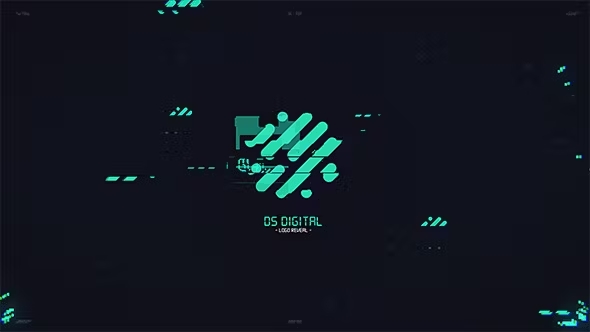
A fast digital glitch with flicker and distortion, popular with gaming and tech channels. What you’ll learn: layer offsets, time remapping and transition rhythm.
4. Light Streak Reveal
A streak of light sweeps across and reveals your logo. What you’ll learn: masks, glows and animated light effects.
5. Particle Logo Intro
Particles gather to build your logo. What you’ll learn: how to build particle motion and how to stack effects without slowing the project down.
6. Liquid Logo Reveal
Smooth, fluid motion that resolves into your brand. What you’ll learn: shape morphing and organic easing.
7. Neon Glow Logo Intro
A glowing neon sign effect, good for night-life, music and entertainment brands. What you’ll learn: glow settings and color control.
8. Line Draw Logo Animation
Thin lines draw your logo’s outline before it fills with color. What you’ll learn: strokes and trim paths. It’s a core After Effects skill.
9. Cinematic Logo Reveal
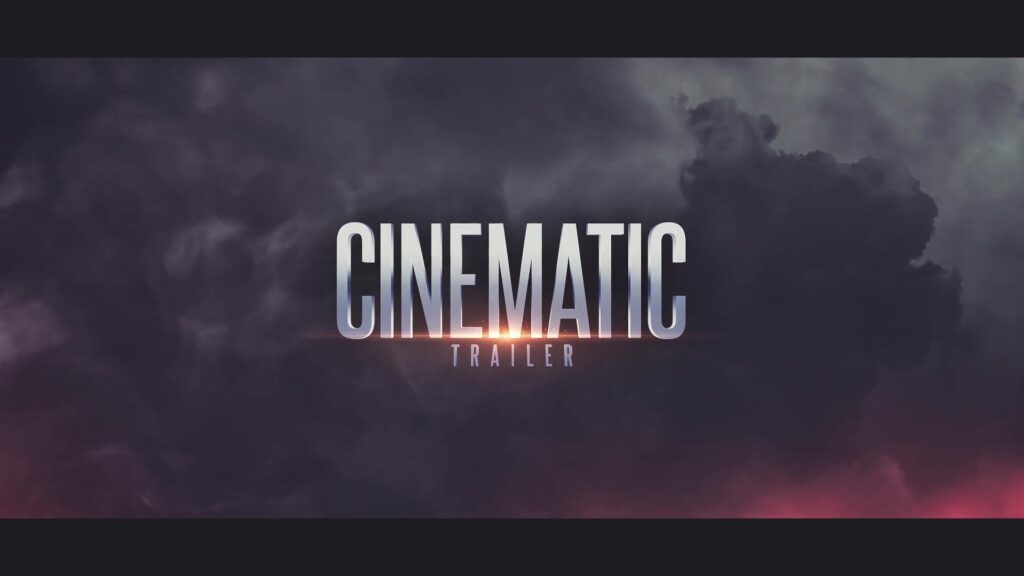
Dark, moody lighting and slow movement for a film-trailer feel. What you’ll learn: pacing, depth and cinematic composition.
10. Typography Logo Intro
Animated text builds up beside your logo. What you’ll learn: text animators and expression-free text motion.
11. Glass and Shine Logo Reveal
A reflective shine sweeps over a glossy logo. What you’ll learn: track mattes and highlight timing.
12. Paper Fold Logo Intro
Layers fold and slide into place with a flat, modern look. What you’ll learn: layer parenting and mask-based reveals.
13. Energy Pulse Logo Intro
A pulse of energy rings out as the logo lands. What you’ll learn: scale pulses and syncing animation to a beat.
14. Social Media Short Logo Sting
A short, punchy reveal under three seconds, built for Reels, Shorts and TikTok. What you’ll learn: how to deliver a message in very little time.
15. YouTube Intro and Outro Logo Pack
A flexible reveal that works as an opening and as an end-screen sign-off. What you’ll learn: reusing one animation for different purposes.
How to Customize an After Effect Logo Template
- Open the project in Adobe After Effects (CC 2016 or newer).
- Find the Control Layer. Every template uses one place for its main settings.
- Replace the logo. Drag your PNG or vector logo into the placeholder composition.
- Edit the text and colors with the Control Layer settings.
- Preview with RAM Preview and adjust the timing if you want.
- Render in Full HD (1920 × 1080) with Adobe Media Encoder or the Render Queue.
Tip: save your edited version as a new project, so the original template stays untouched for next time.
What Can You Create With These Logo Intros?
- YouTube channel intros and outros
- Business and company logo reveals
- Personal branding and portfolio videos
- Social media content and promotional videos
- Creative projects and motion graphics practice
Tips to Learn After Effects From Templates
- Don’t just use them. Study them. Open each composition and watch how the layers move.
- Check the keyframes. Press U on a layer to see its animated properties.
- Change one thing at a time. Alter easing, timing or a color and see what happens.
- Rebuild a simple one yourself. After studying a template, try to recreate a basic reveal from scratch.
- Develop your own style. Mix techniques from different templates to build something that’s yours.
Frequently Asked Questions
Are these After Effect logo templates really free? Yes. All 15 logo intro templates are free to download.
Do I need any plugins? No. The templates are 100% plugin-free, so they work with a standard After Effects install.
Which version of After Effects do I need? Adobe After Effects CC 2016 or above.
Will they work in my language version of After Effects? Yes. Universal expressions make them compatible with all language versions.
Can complete beginners use them? Yes. The Control Layer makes it easy to change your logo, text and colors without advanced motion design skills.
Can I use them for my YouTube channel or business? These templates are made for YouTube intros and outros, business logo reveals and personal branding. Check the license terms on the download page for any commercial conditions.
Final Thoughts
A strong logo intro gives your videos a professional identity from the first second. With these 15 free After Effect logo templates, you can brand your content quickly and build real motion graphics skills along the way.
Credit and support: these templates are created by MAEditz. If they help you, like the video, subscribe to the channel and turn on the notification bell to support more free editing resources.
Happy editing, and keep creating!